Add it.
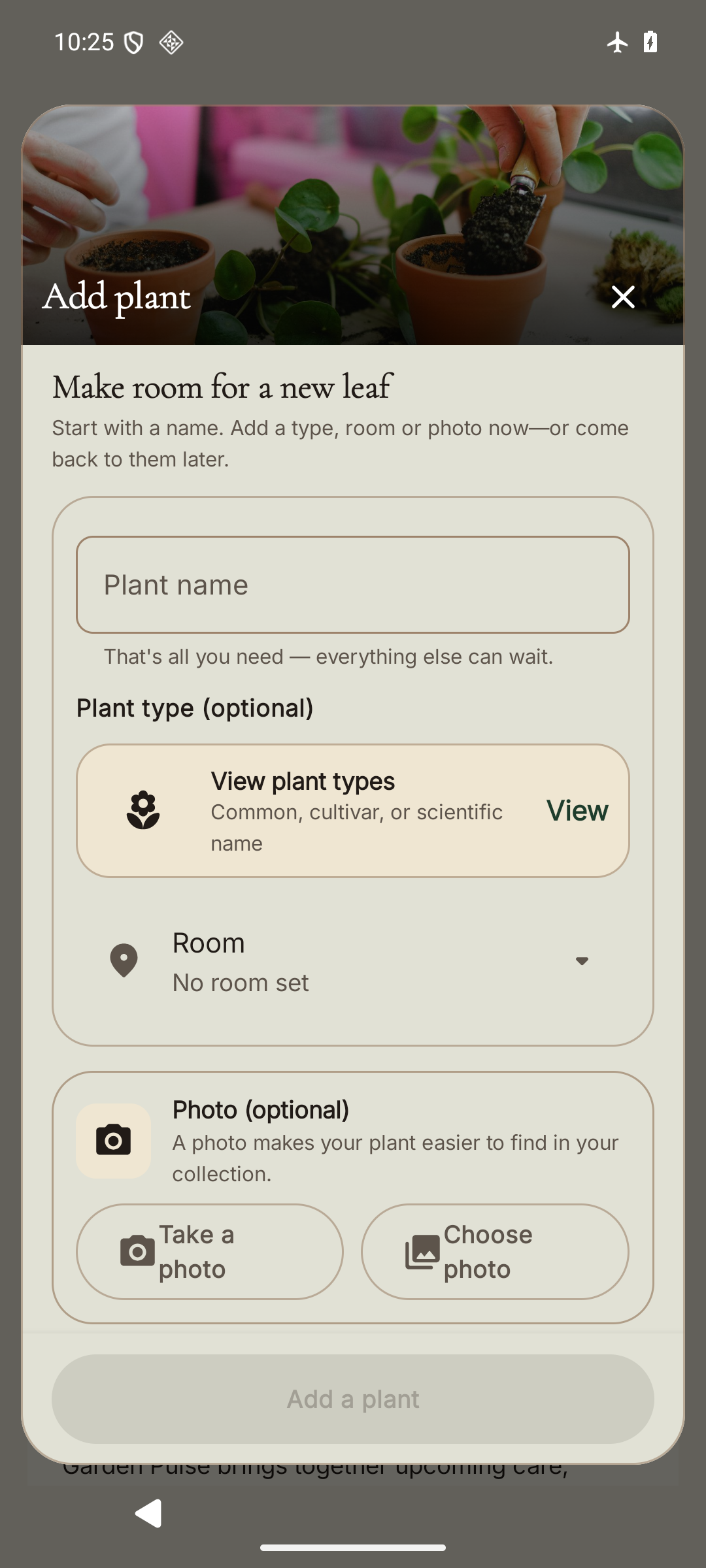
Give it a name and a place. Start with what you know; a plant type and photograph can come later.
 The Lorekeeper's LeafPlant Care, Records & Lineage
Plant care. A continuing story.
Bring care, photographs, notes, and each plant’s history into one place. See what deserves attention today, and keep learning from the garden you’re growing.
Explore the Android beta See what stays connected during betaWeb Companion Room to see the whole picture
Android
Keep the next check close on your phone. Give your records more room on a computer.
What connects during betaReal interface captures with separate example gardens. Select either image to look closer. The Web preview shows a workspace detail in progress; beta sync limits apply.
One practical rhythm
Give it a name and a place. Start with what you know; a plant type and photograph can come later.
Observe the plant, record the care you give, and leave a note about what changed.
Return to photographs, meaningful moments, and the connections from one generation to the next.
Current product proof
Inside the Android beta
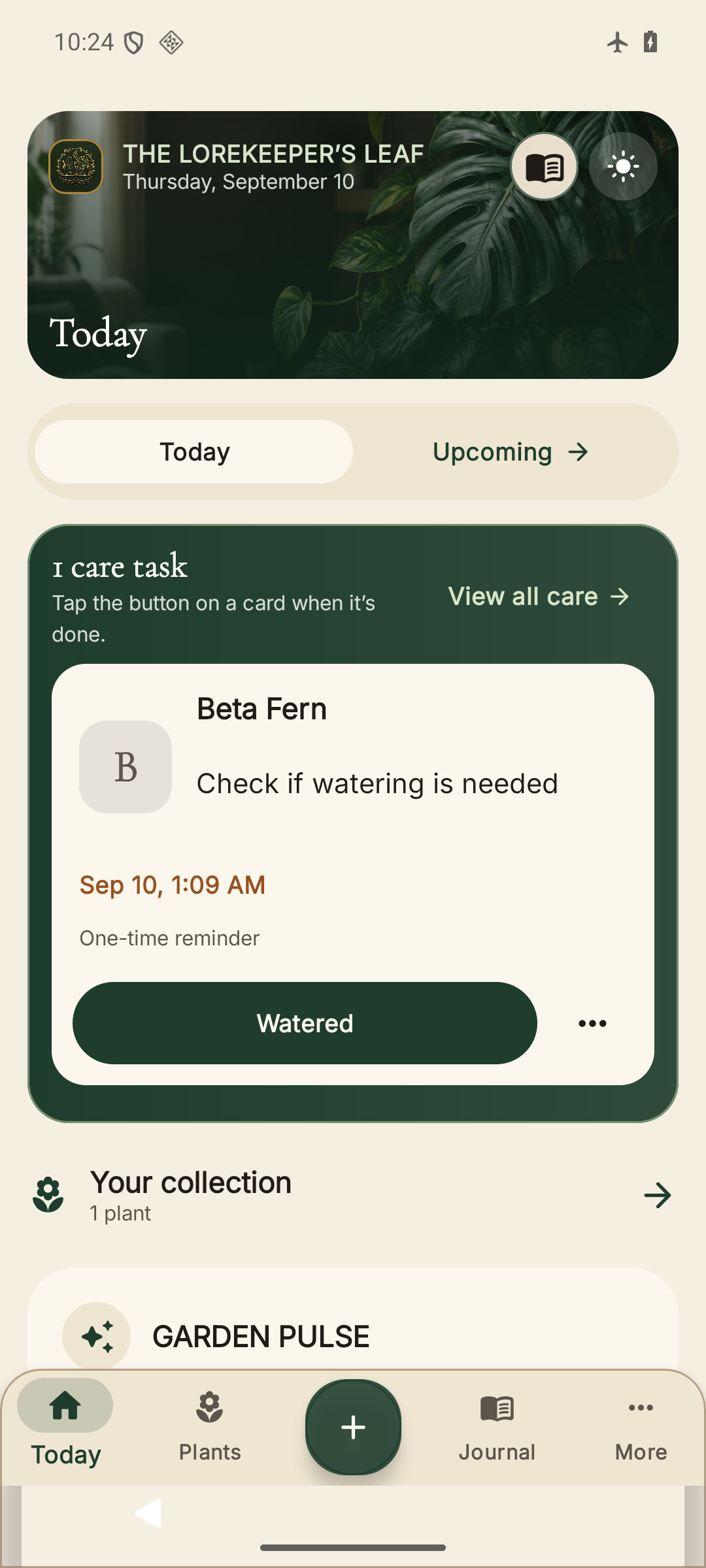
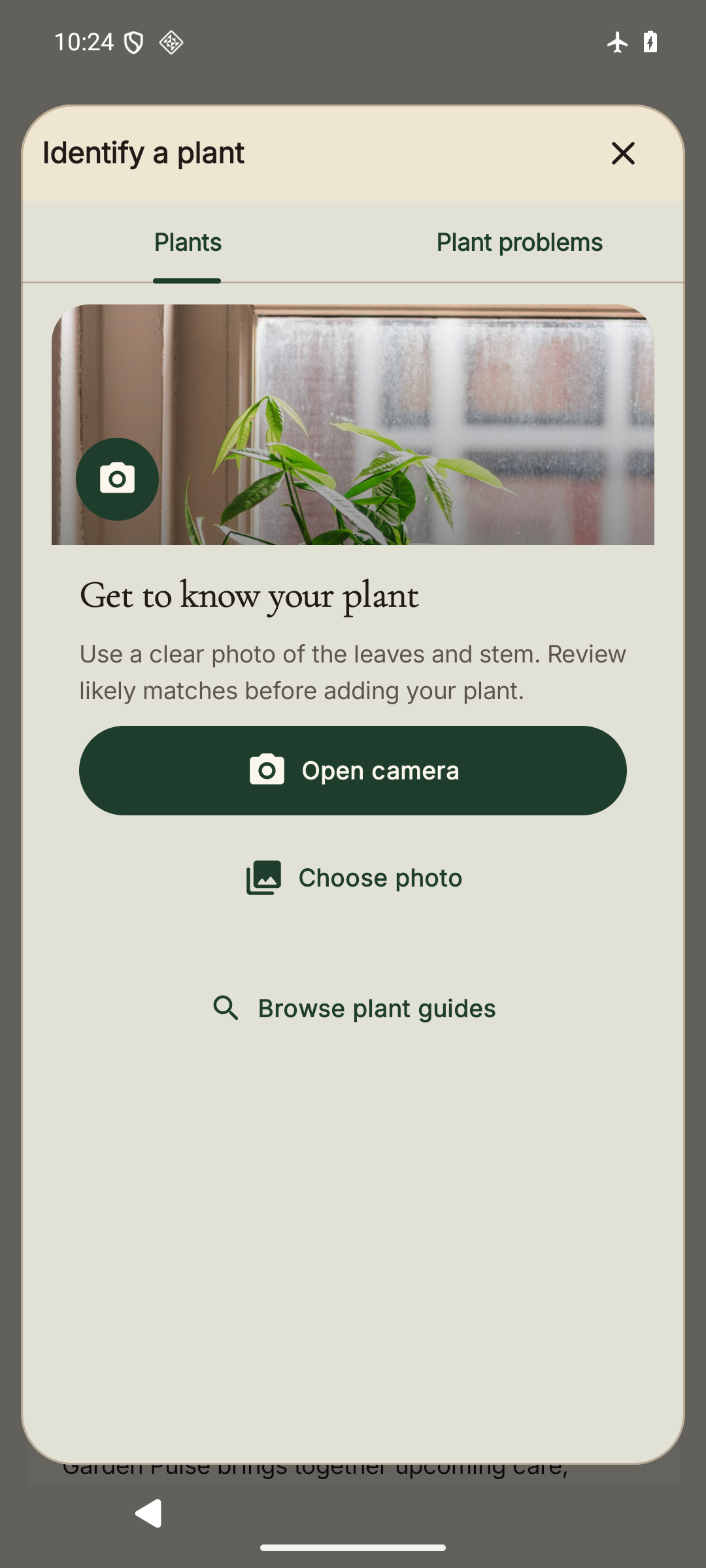
Real Android beta screens in Light appearance, with current captures and an example plant. Only the app is shown; these are not desktop screens.
Care with context
See scheduled checks and recorded concerns together. A reminder starts with observation—not an automatic instruction to water.
Open care and remindersToday keeps your next checks close. Garden Pulse brings recent activity and recorded concerns into view without inventing a plant-health score.
Keep care with the individual plant, so the next decision has a history behind it.
The individual plant
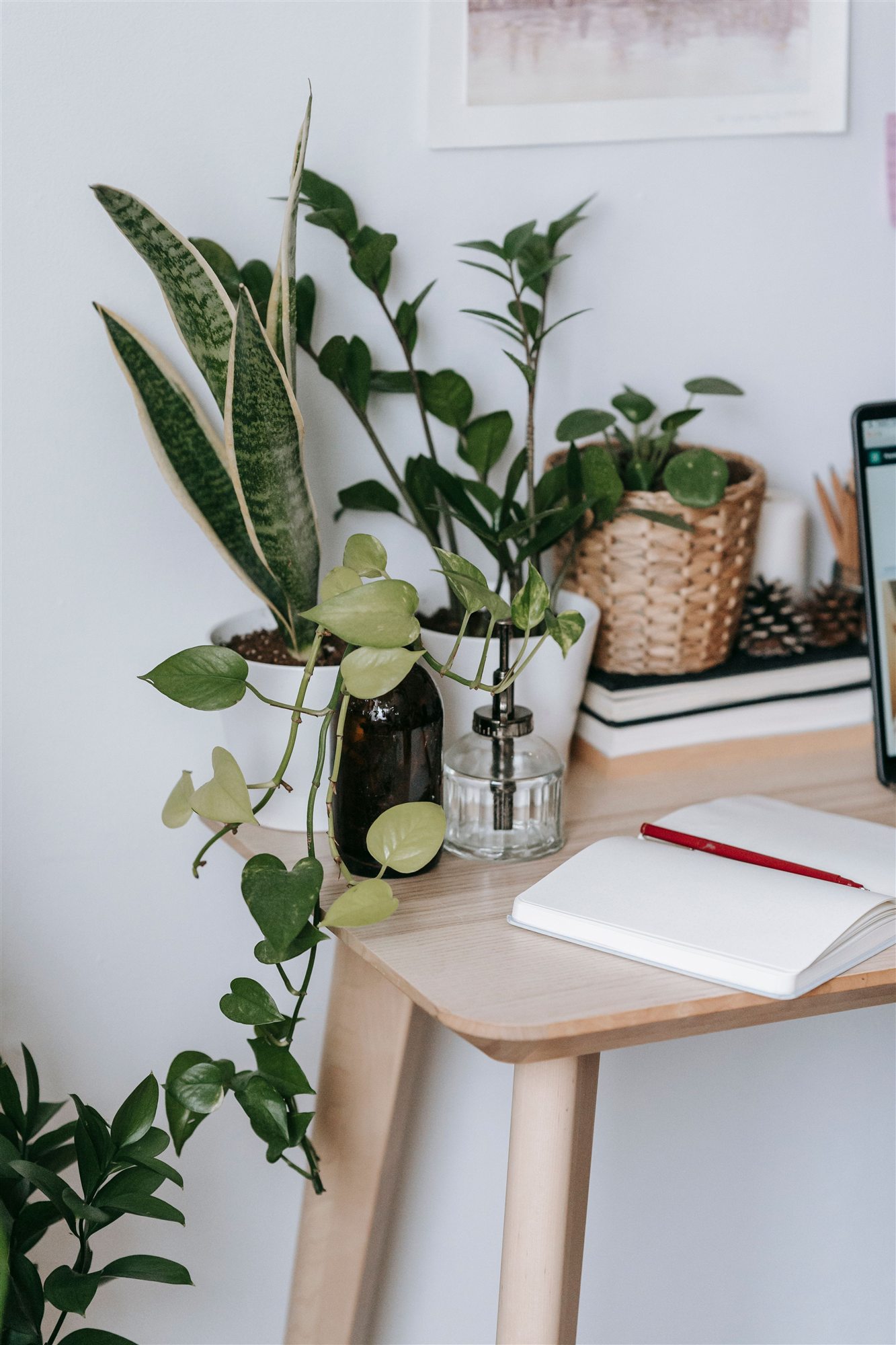
A guide tells you about a kind of plant. Your record tells you about this one—its care, photographs, observations, and the people who have looked after it.
Keep the first new leaf, a recovery, or roots appearing on a cutting. Browse your Journal by plant and return to a particular note instead of starting over.
Open your JournalUseful before sign-in
Browse plant and problem guides before signing in, or open them inside the Companion. Photo identification offers possibilities—not proof of identity or safety.
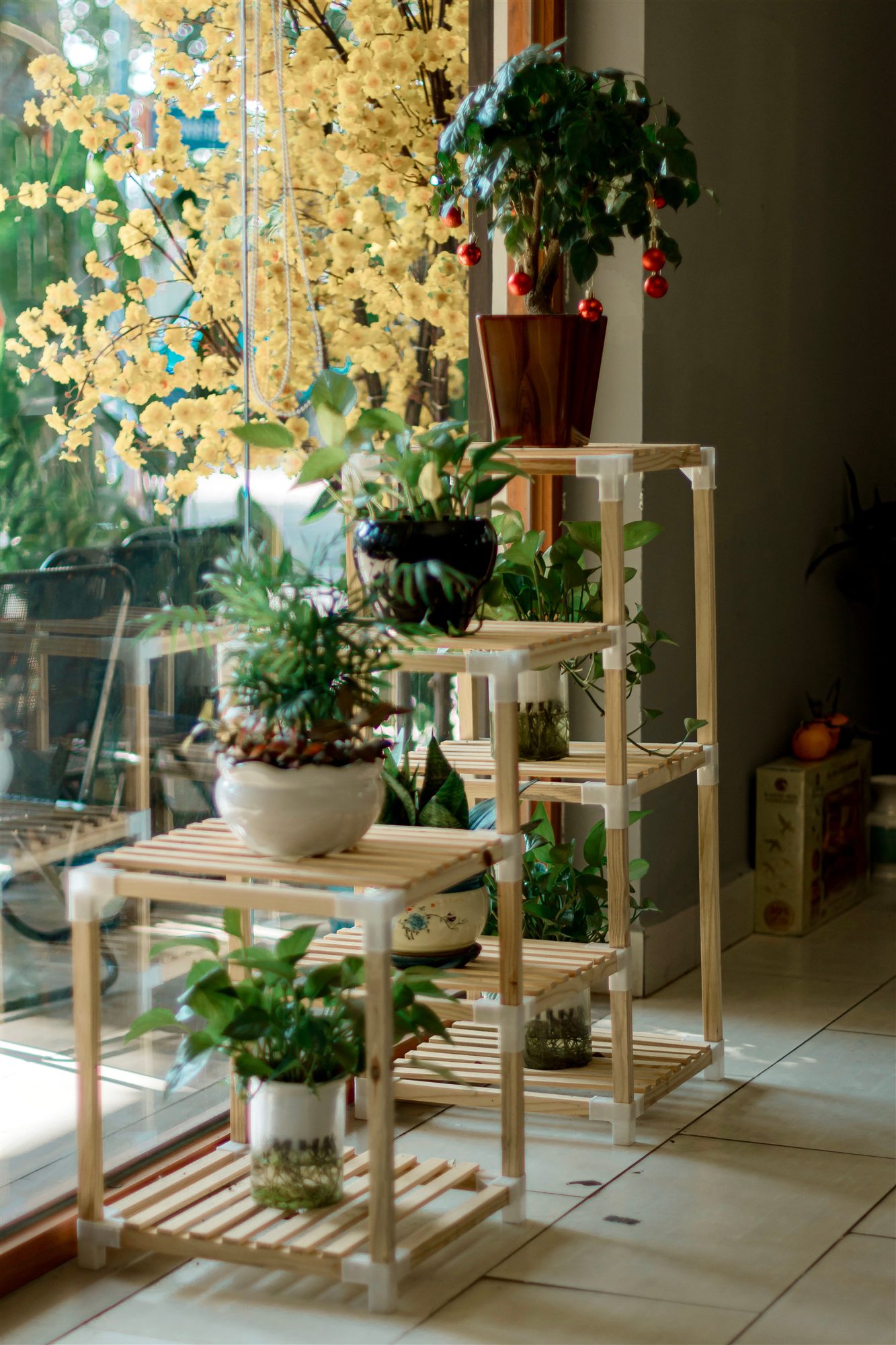
Plant Library
Search common, trade, cultivar, former botanical, and accepted scientific names. Every guide labels its photograph and evidence readiness.
Browse plant guides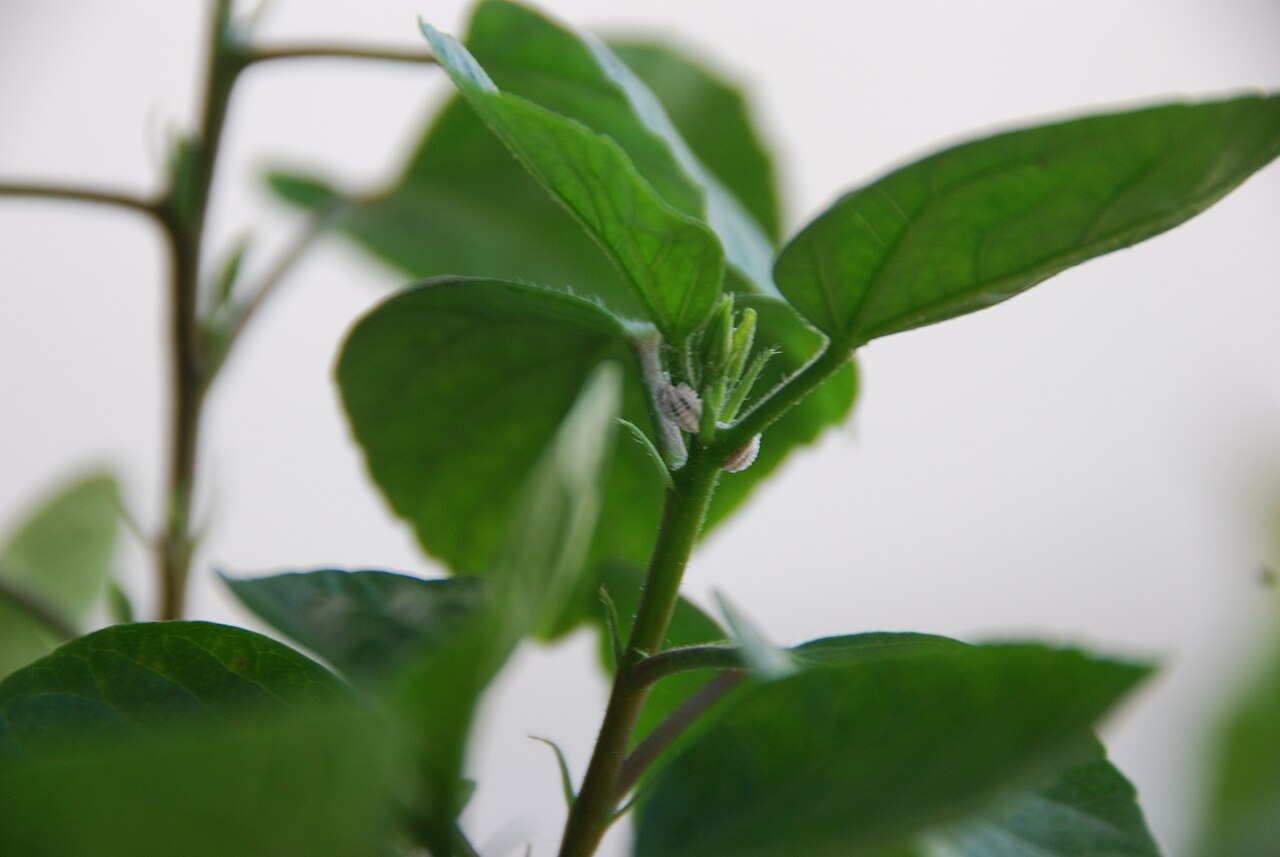
Plant Problems
Compare visible symptoms, likely causes, look-alikes, and low-risk next checks. A photograph is one clue, not a diagnosis.
Check a plant problemLorekeeper’s Assistant
Ask about the records available to your account, recap recent care, or find the next place to look. Review the answer alongside your own observations.
Explore Lorekeeper’s AssistantAI can be wrong. Availability and allowances depend on your account and the supported feature. Manual care and recordkeeping remain useful when the Assistant is unavailable.
A suggestion is not a completed care action. Confirm what you intend to do and check the outcome before moving on.
Family and continuity
Share selected plants through Family Garden, with a defined role and access you control. Helping care for a plant is different from receiving it into your own garden.
Follow propagation batches and individual cuttings back to their source. Preserve the connection as they become plants of their own.
Heritage and private handoffs keep approved history with a plant’s journey. They do not make your whole garden or private photographs public.
Explore the plant’s storyAndroid + Web Companion
Phone when you’re checking a leaf or taking a photograph. A larger browser workspace when you want room to read, search, and organize.
Explore both experiencesUse the same Lorekeeper account for eligible membership benefits on supported Android and Web features.
Account changes need a successful sync and an internet connection. Device-only records and pending changes are not yet available elsewhere; some photo and propagation details remain platform-specific during beta.
Read the beta sync detailsMembership
Start with Seedling’s everyday care and records. Compare Botanist’s added capacity and supported tools when your collection needs more room.
No ads. Export anytime.
Compare membershipsBuilt for a private garden
Your garden is not a public feed. You choose whether to connect an account or share a family garden.
Care records stay focused on your plants. Lorekeeper does not sell attention inside the garden.
Keep a portable copy of your records, photos, journal, care history, and lineage when you need it.
A few honest answers
Yes. Seedling includes everyday care, records, photos, journal entries, sharing, export, and account deletion without a time limit.
No. A reminder asks you to check the plant and growing medium. Your observation decides what care is needed.
Android beta access is currently limited to invited Google Play testers. The Web Companion is available now in a supported browser.
Cancelling a renewal stops future billing. It does not erase the plant care, photographs, journal, or lineage you already recorded.
No. A likely identification is not proof of identity, a diagnosis, or a guarantee of safety for people or pets. Check reliable safety guidance before handling an unfamiliar plant.
A little care. A story worth keeping.
Give it a name, keep your first observation, and build a record you can return to.